
Sanspaper
An enterprise paperless forms system: forms are designed on the web, then filled in on phones and tablets in the field, with or without a connection.
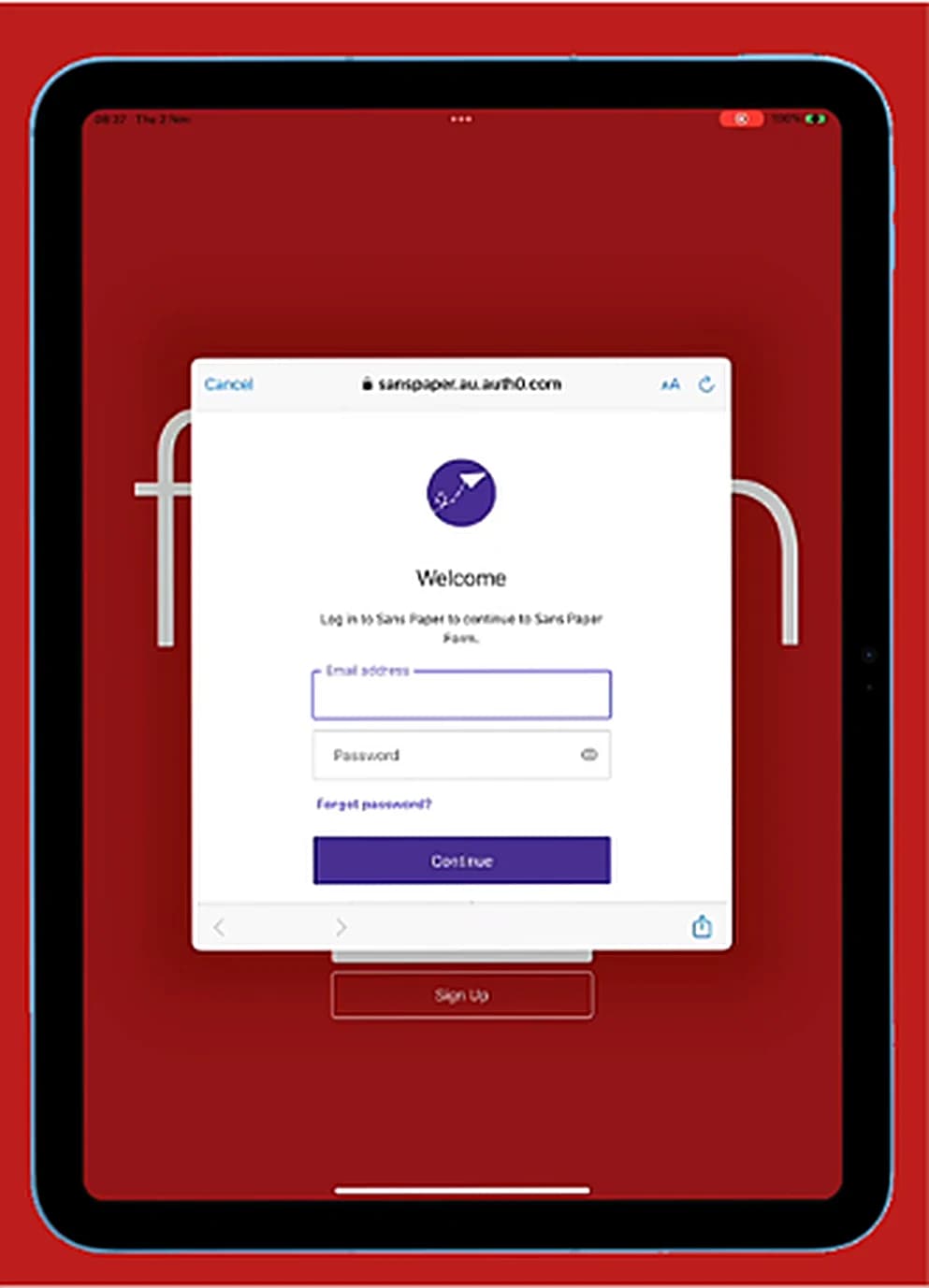
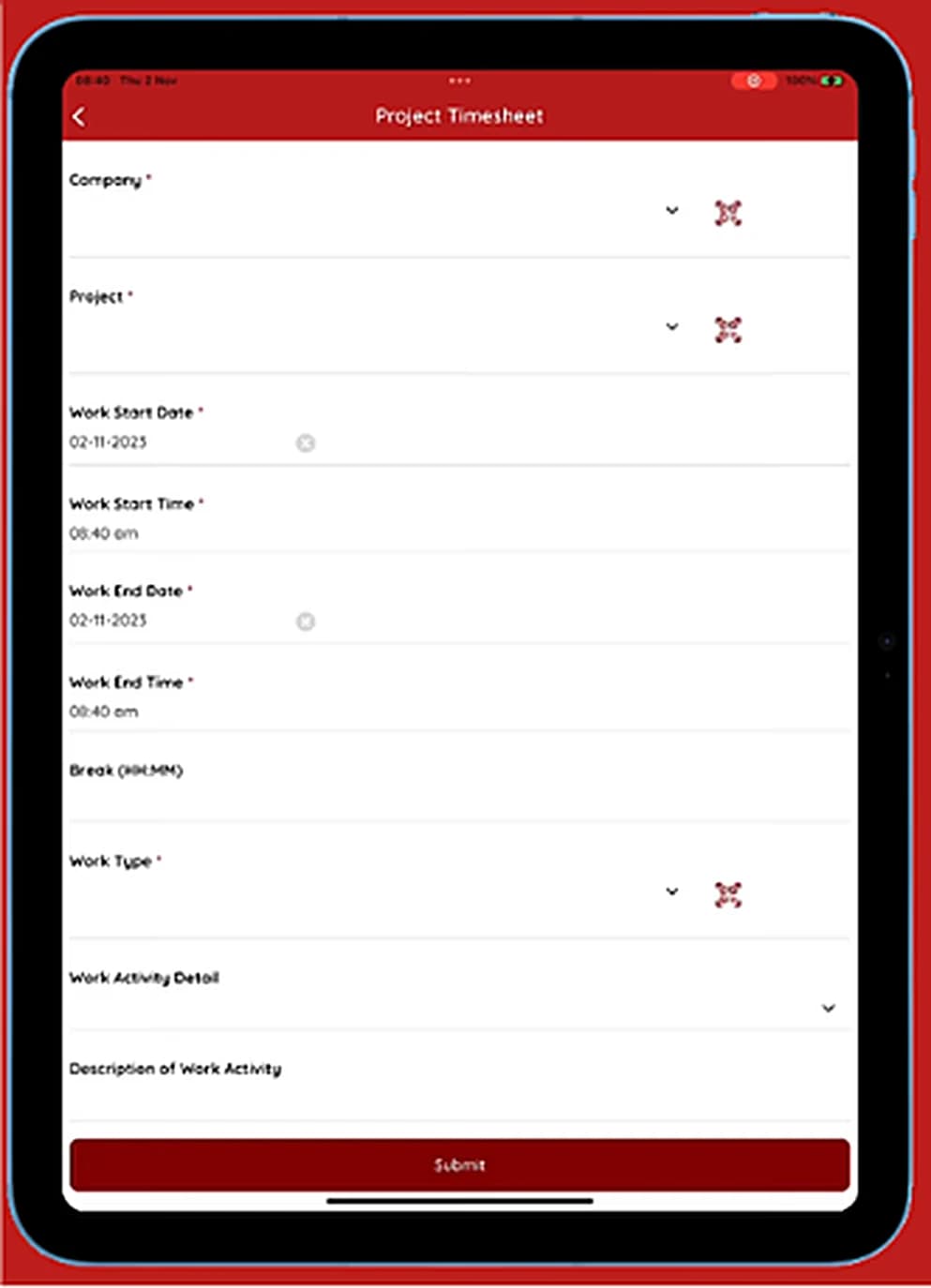
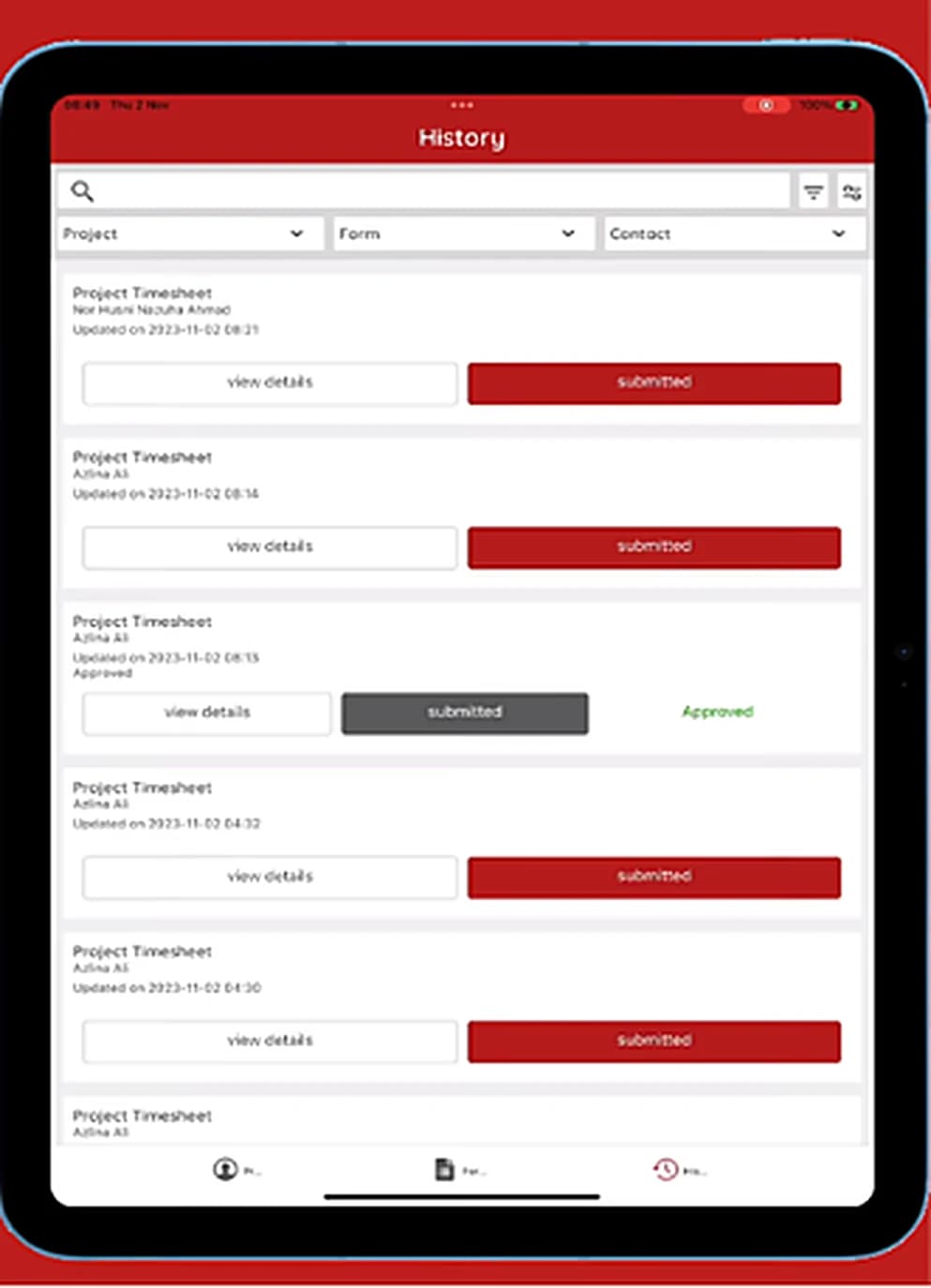
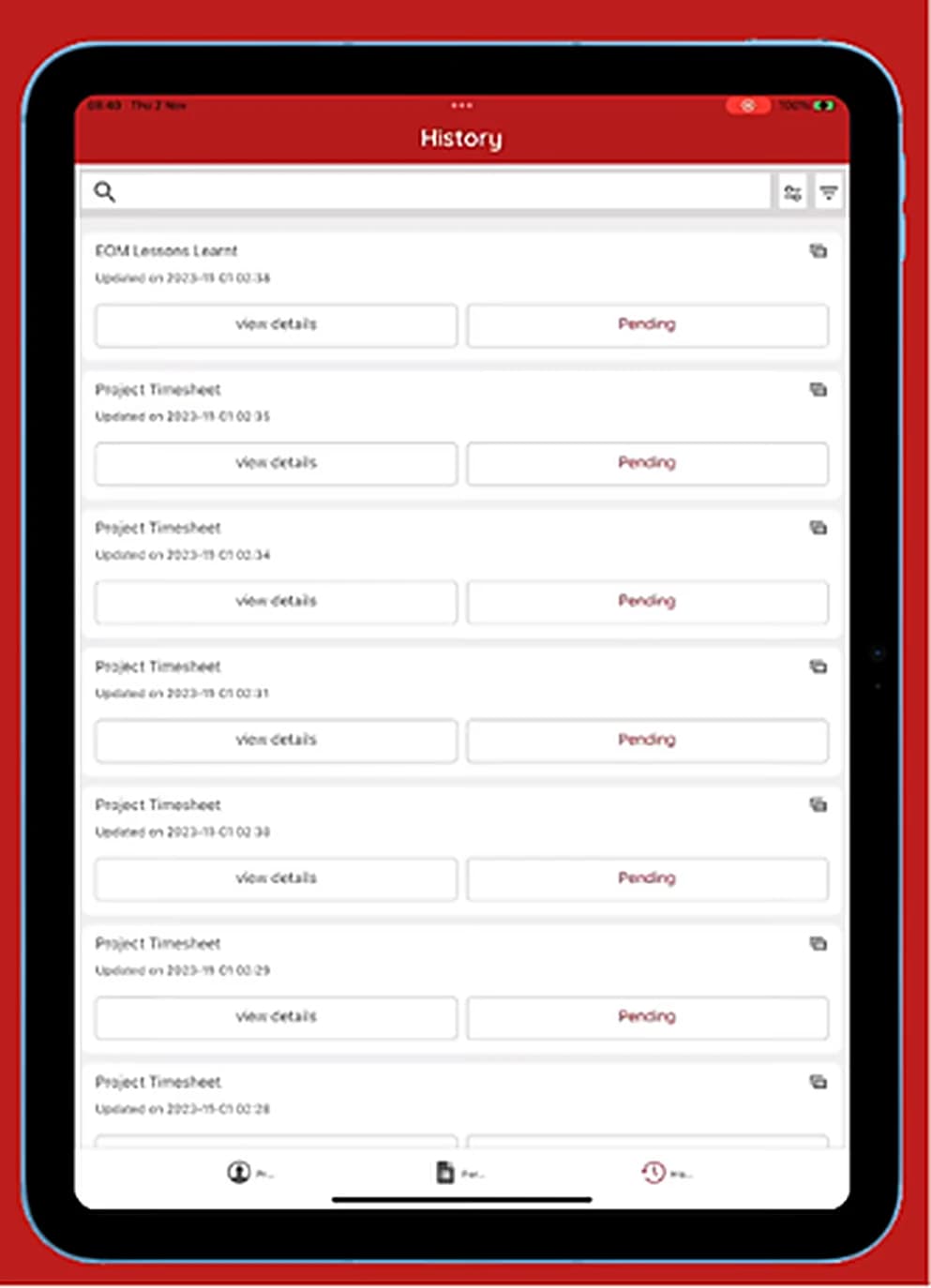
- Customisable form components
- 100+
- Field workers using it
- 100s
- Apps: Connect and Form
- 2
Highlights
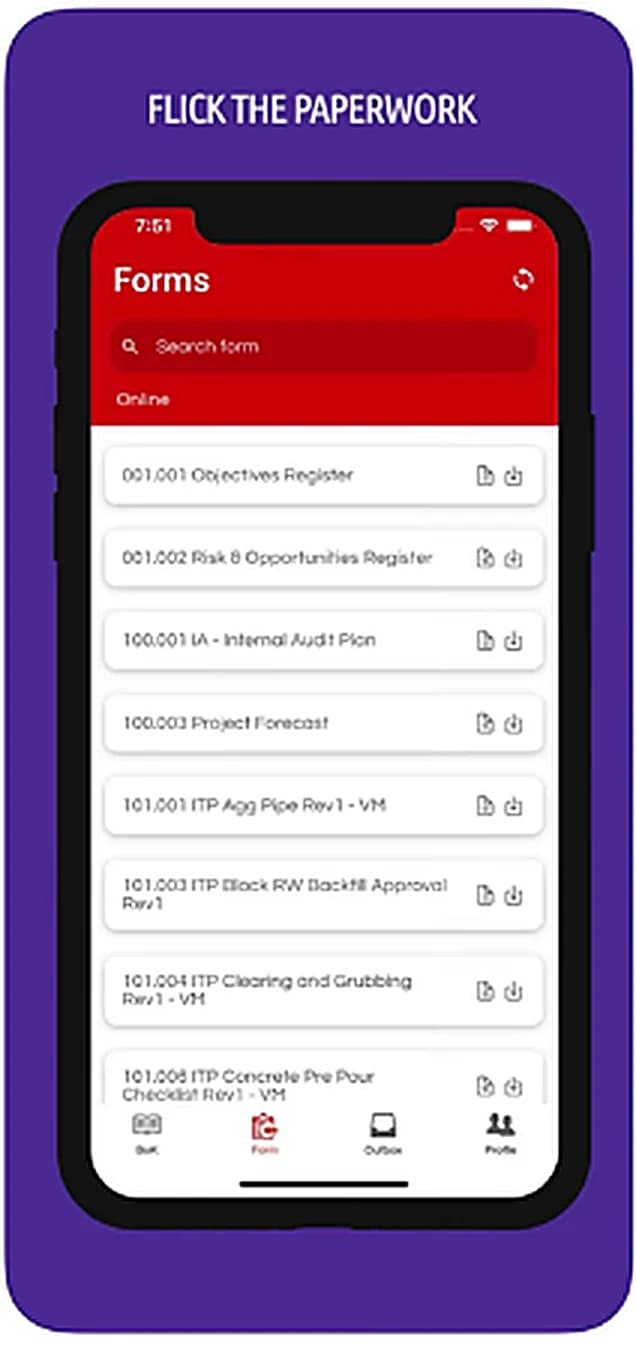
Forms designed on the web, answered on the device
The app renders whatever form the organisation publishes, so a new or changed form needs no app update.
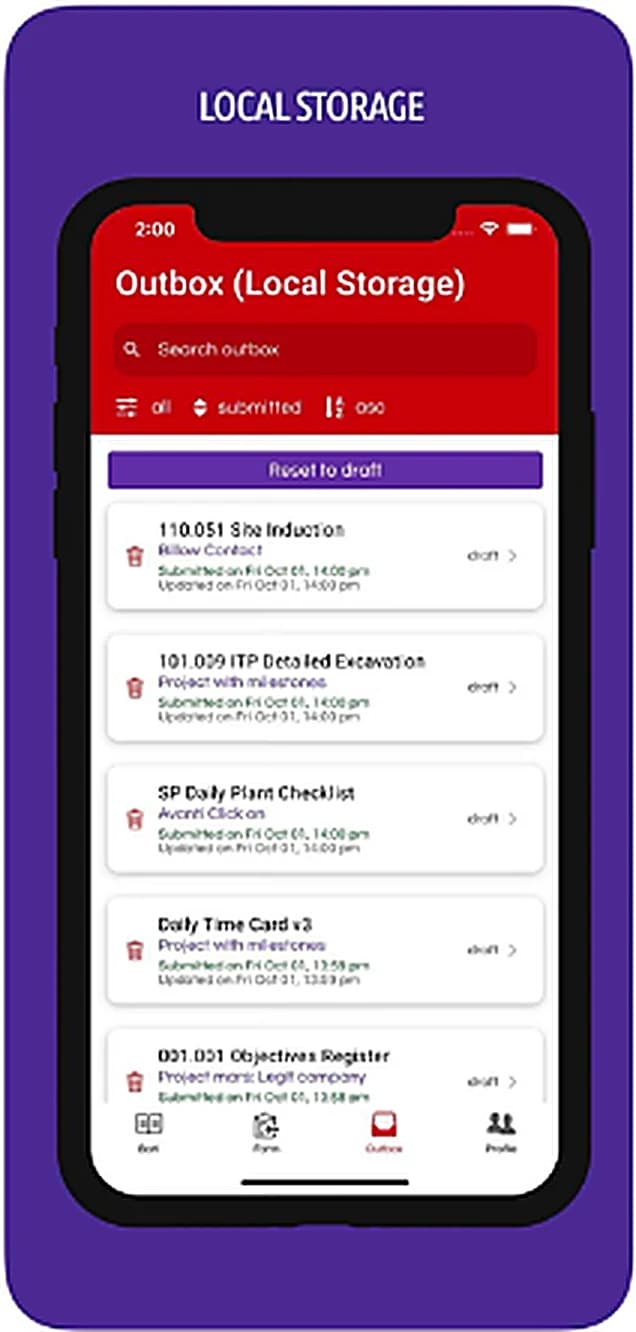
It keeps working with no signal
Submissions are stored on the device and wait in an outbox, then sync once a connection returns.
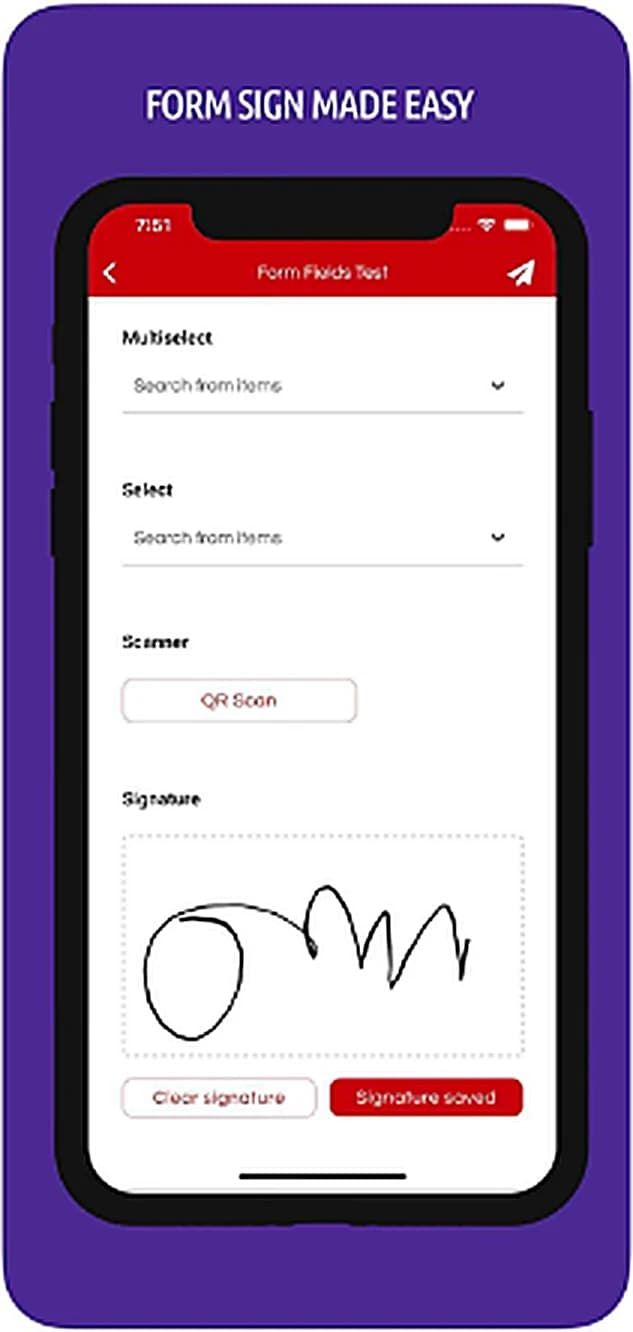
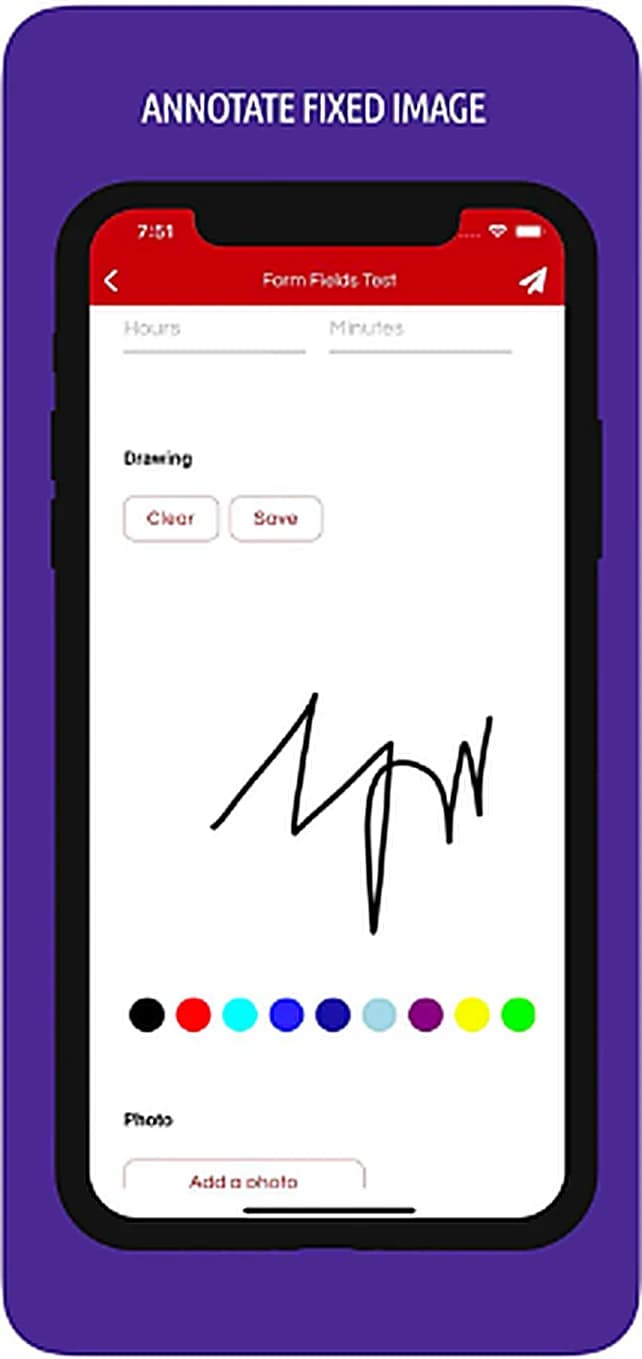
Signatures and drawing inside the form
A form can ask for a signature or a freehand drawing, captured by touch.
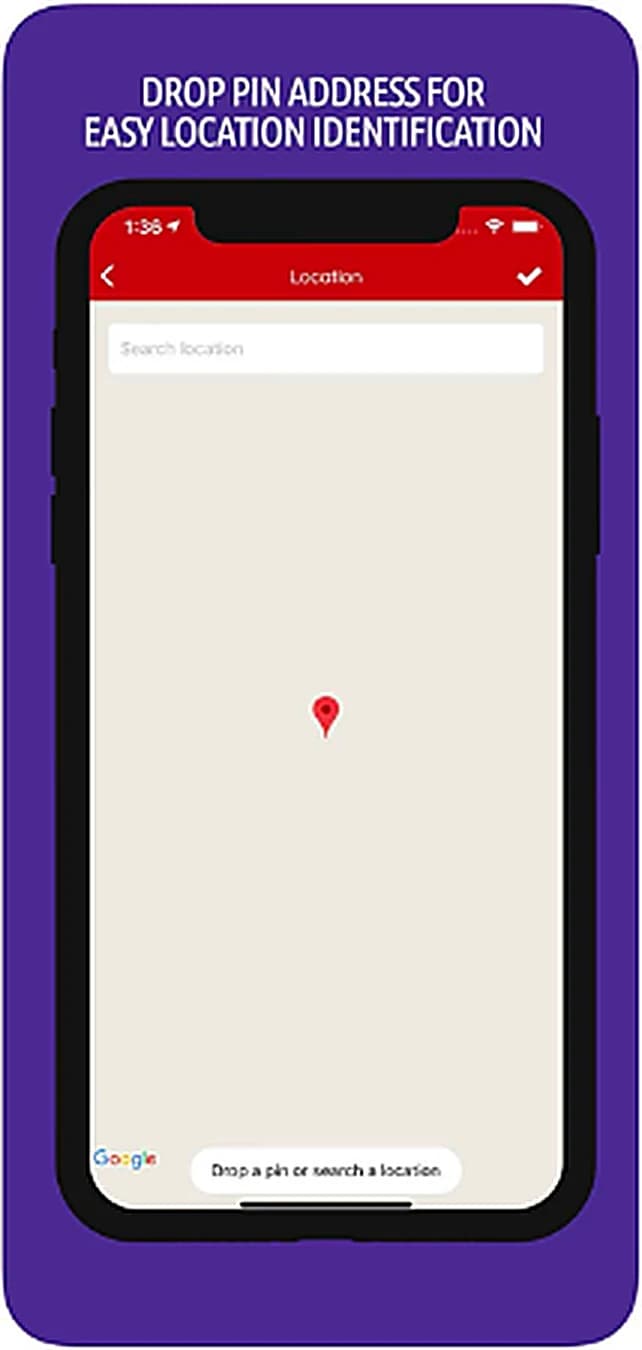
Locations pinned on a map
A field can take a dropped pin or a searched address to record where the work happened.
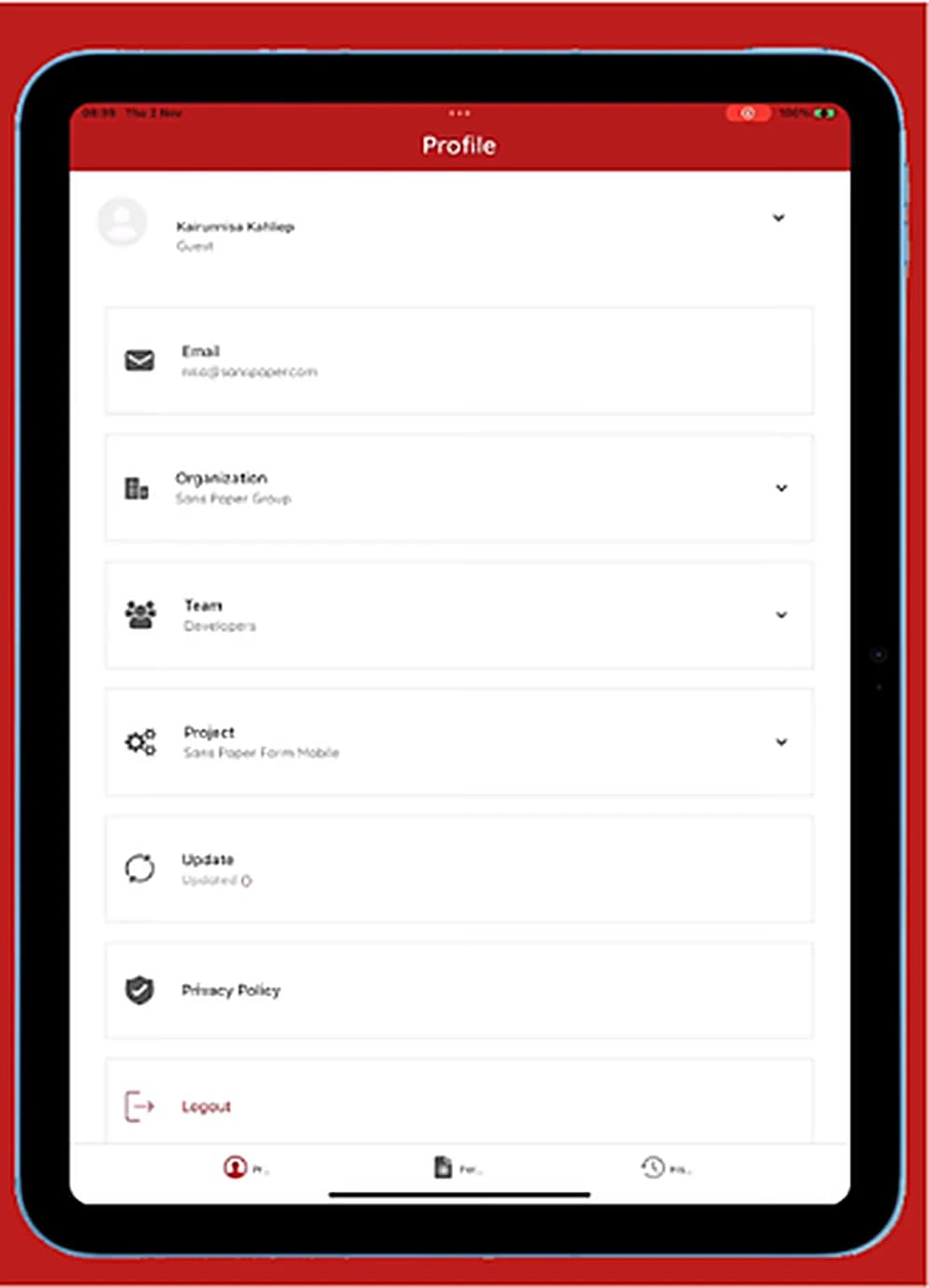
One user, several organisations
Sanspaper Form lets one person belong to more than one organisation and team.
The problem
Field teams were recording work on paper, in places where a mobile signal cannot be relied on. The forms themselves change constantly and are authored by the organisation on the web, so the mobile app could not hard-code a single screen. It had to render whatever form it was sent, and it had to keep working with no connection at all.
The approach
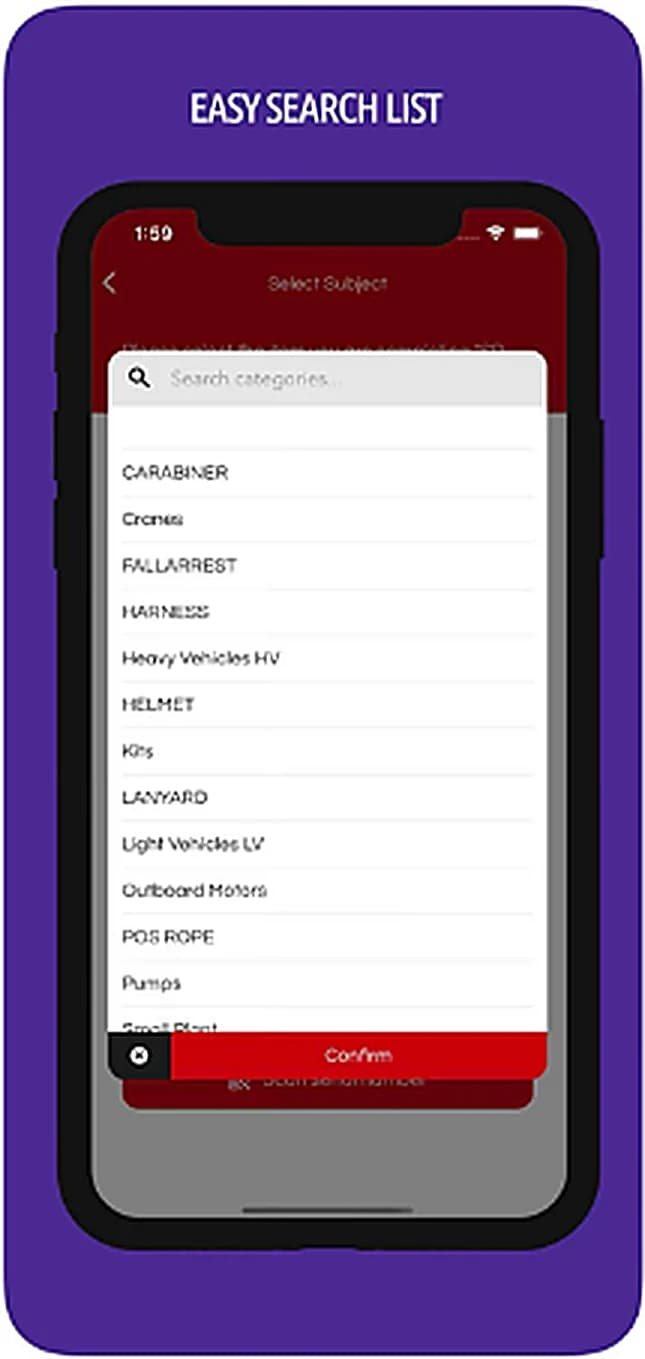
- 01Built a dynamic form renderer: forms created in the web app are answered on the device, with inputs for text, checkboxes, photos, signatures and more.
- 02Made the app offline-first, with local storage on the device and a sync that reconciles once a connection returns.
- 03Added field-specific inputs: signature capture, freehand gesture drawing over images, and location pinning on a map.
- 04Followed Sanspaper Connect with Sanspaper Form, an upgrade that adds more input types and lets one user belong to several organisations, in the way Slack handles workspaces.
The result
The system is used by hundreds of field workers across remote environments, replacing paper with forms that work wherever the work is.
Everything it does
- Customisable dynamic forms
- 100+ form components
- Offline mode with local storage
- Signature capture and gesture drawing
- Location pinning
- Photo annotation
- Submit, save and resume drafts
Specifications
- Role
- Lead mobile developer
- Platform
- Mobile app
- Period
- 2019 – 2021
- Devices
- Phones and tablets
- Offline storage
- SQLite with WatermelonDB
- Form components
- More than 100
- Apps
- Sanspaper Connect and Sanspaper Form
- Stack
- React NativeSQLiteWatermelonDBOffline syncGesture API